How QuestWorks Works
QuestWorks is the Team Intelligence Engine. Surface strengths, stress-test collaboration, and catch friction before it costs you. AI-facilitated, voice-based, and works with Slack and Microsoft Teams. Connection is a weekly practice, not a quarterly event. Here is exactly how it works.
Updated · Reviewed monthly
Getting Started: Five Steps from Install to Impact
Everything your team needs to go from zero to playing together, explained step by step.

Install & Set Up (admin)
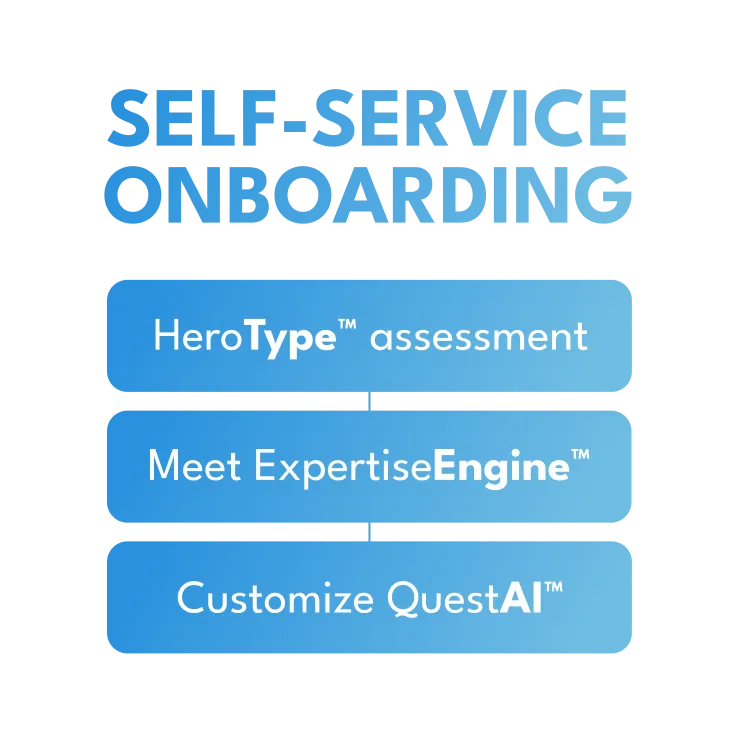
Adding QuestWorks to your Slack or Teams workspace takes under a minute. An admin clicks "Add to Slack" (or "Install for Teams"), authorizes the app, then runs the Setup Wizard: accept the terms, create your team, and assign a team lead. QuestWorks automatically creates a #questworks channel. No other configuration is required.
Invite Your Team
There is no separate onboarding for players. The team lead invites teammates from Slack or Teams, and each person takes a quick HeroType quiz (about two minutes) that maps their real-life strengths and communication style to a Hero Type. Hero Types help teammates understand how each other work from day one. No gaming experience required.
Get Matched Into a Weekly Session
At install, QuestWorks reads your team's calendars and picks the one weekly time that works for everyone (no Doodle polls, no scheduling nightmares). That slot then stays put: the same 25-minute session, same day, same time, every week. When a session is ready, players get a Slack or Teams message with a join link. Participation is entirely voluntary: players accept or decline with no penalty, no mandates, no guilt. Five minutes before each session, players get a reminder. Team leads can also set up cross-team sessions when they want different teams to mix.
Play the Quest
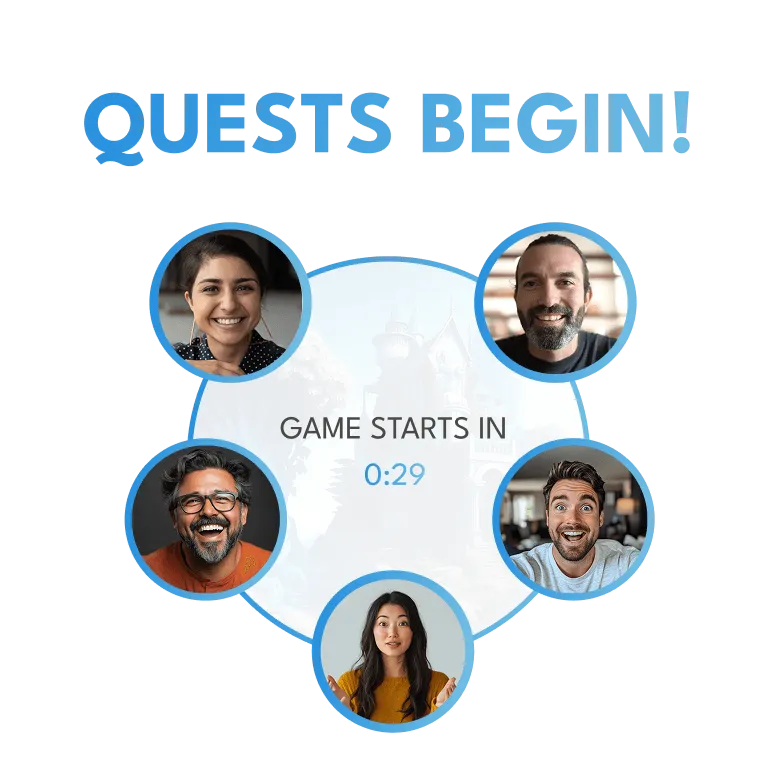
Players click the link to join a voice-based session in their browser. Microphone required, camera optional. An AI facilitator leads your team (2 to 6 players) through a dynamic, collaborative 25-minute quest. The AI creates scenarios that respond to player choices in real time. Hero Types reveal work styles and communication preferences, helping teammates understand each other from session one. Every session is unique and player-driven, no fixed puzzles or predetermined solutions. Includes immersive music, ambient soundscapes, and voice acting. Players use real strengths to solve challenges in a no-pressure setting.
Track Growth and Outcomes
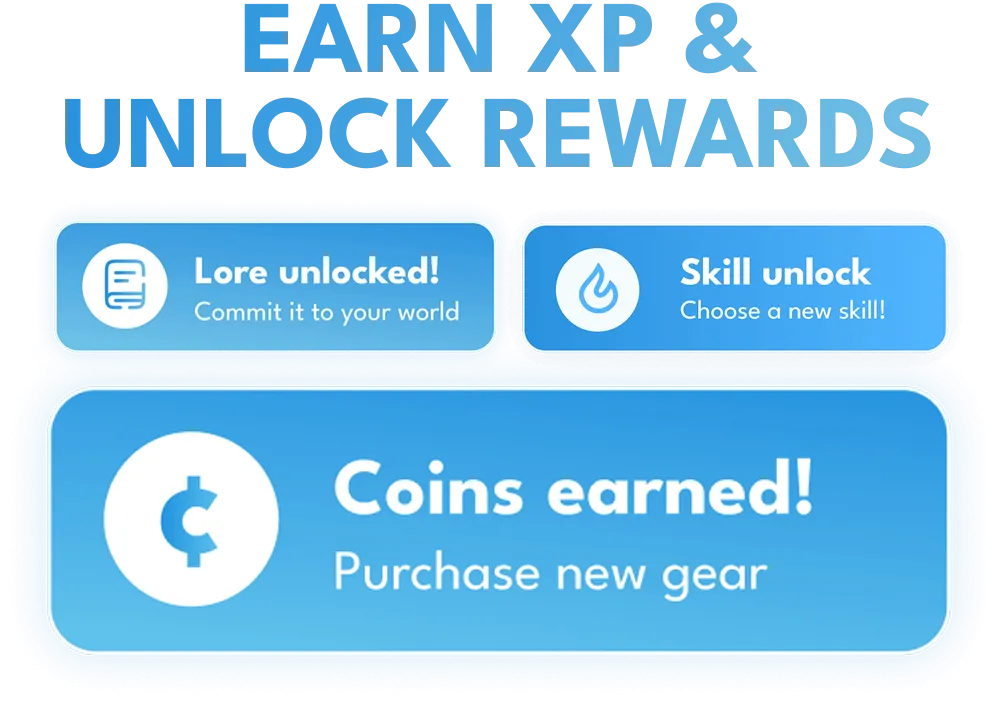
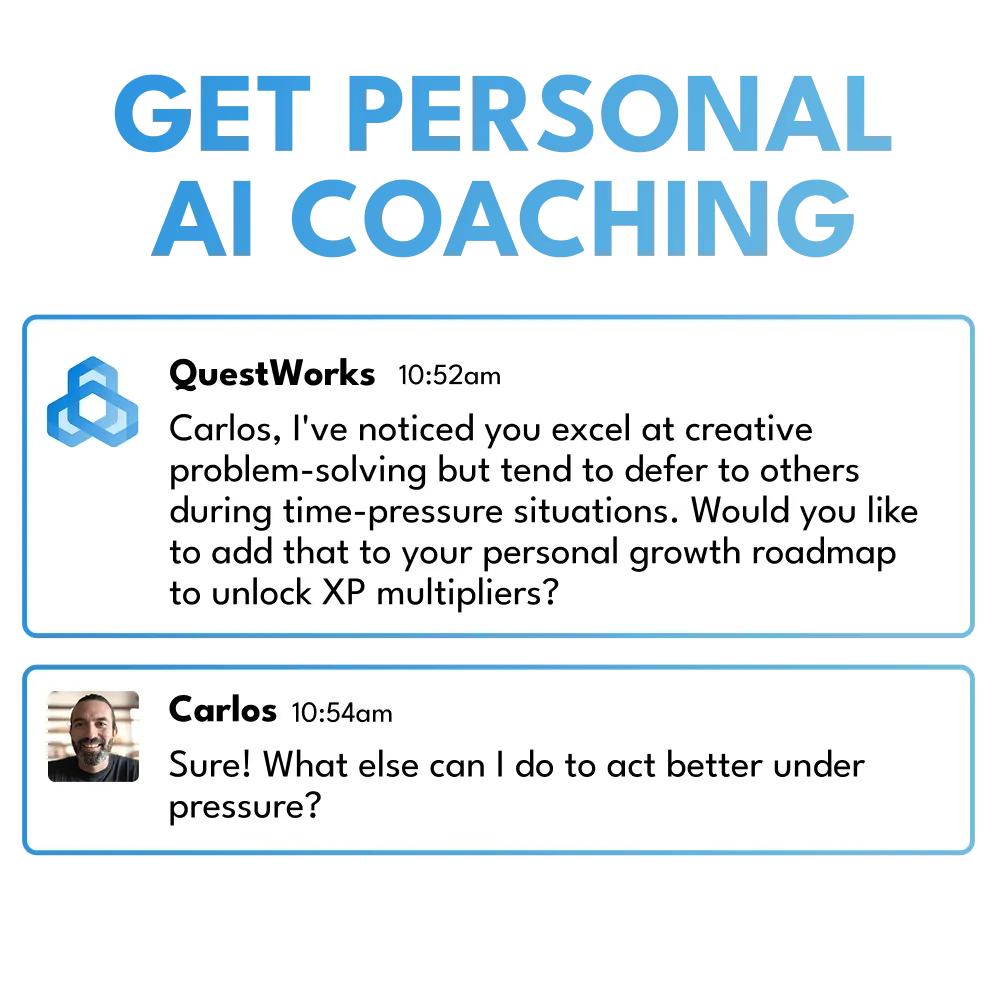
After each session, players earn XP and receive AI-powered growth insights. Use /dashboard to view XP, level, inventory, gold, and the company leaderboard. Over time, repeated behaviors earn verified credentials. Leaders see aggregate team trends and strengths-based highlights. Admins use /admin for engagement stats, player cap, team leads, and billing.
AI-Facilitated Sessions: No Human Host Required
Every session is facilitated entirely by AI. The AI creates scenarios that respond to player choices in real time, adapting to group dynamics across the 25-minute session. Every session is dynamically generated, with no fixed puzzles and no predetermined solutions. It guides the narrative, presents challenges, tracks contributions, and provides post-session insights.
If a player leaves mid-session, the AI adjusts and remaining players continue. The AI draws on each player's Hero Type (a personality framework built into gameplay) to personalize the experience and help teammates understand each other's work styles.
There is no human facilitator to schedule, no moderator to train, and no recurring labor cost. The AI runs every session from start to finish.
How QuestWorks Works In Slack & Teams
Player Slash Commands
Admin Commands
The #questworks Channel
Automatically created when QuestWorks is installed. This channel posts automatic updates: weekly leaderboards, quest highlights, merchant visits, and team celebrations. It serves as a shared space where the whole company can see what is happening without joining a session.
Privacy and Data Controls
Players use /settings to view, download, or delete their data at any time. QuestWorks gives individual players full control over their personal information.
Session Lengths and Team Sizes
- Session length 25 minutes
- Team size 2 to 6 players per quest (your team)
- Weekly cap One 25-minute session per player per week
- Scheduling One fixed weekly slot, picked from the team's calendars at install
- Format Voice-based in browser (microphone required, camera optional)
- Team-based Quests are for your team; leads can set up optional cross-team sessions
- Drop-in/drop-out Voluntary participation, no penalty for declining or leaving early
Running a small team yourself? See how this fits the person who actually heads the team on QuestWorks for team leads. If your team is spread across time zones, there is a version written for distributed and hybrid teams.
Measured Outcomes and Results
133%
more clarity on teammate strengths
100%
improvement in team communication
100%
more comfort with positive conflict
75%
boost in remote culture engagement
100%
of players recommend the experience
80%
more fun and laughter with coworkers
300%
increase in team bond and chemistry
What Players Keep When the Quest Ends
A quest builds chemistry in the moment. It also leaves something behind. Every time a player demonstrates a real behavior under pressure (delegating cleanly, defusing a tense call, backing a teammate at the right time), QuestWorks counts it. Demonstrate a behavior enough times across enough quests, and the player earns a verified behavioral credential for it, in one of three tiers: Practitioner, Specialist, or Expert.
It is AI-verified, not self-reported: the credential is backed by a count of real moments, with a public verification page a player can share. The team gets cohesion. Each player gets proof of how they grew.
Pricing
One plan per team. Add what you need. 30-day free trial, no credit card.
$199 /mo per team
A team is one manager and their direct reports. Most companies run several.
- Up to 10 seats
- Weekly 25-minute quest
- Auto-scheduling
- Quests that adapt to your team’s growth
- HeroTypes for every teammate
- Full player experience (loot, level-ups)
- Team Intelligence™ score
- Weekly Team Intelligence insight
- All quest genres and unique lore
- LinkedIn certifications
- Assessments import
- Runs in Slack or Microsoft Teams

 Start free trial
Add either, or both, at any time
PowerUp +$49/mo
- Advanced analytics
- Guest Passes
- HeroGPT™ coaching
- Peer benchmarking
- All integrations
Fellowship +$49/mo
+10 seats (max 20). Same team, same channel, same game day. One Team Intelligence™ score.
For context
Team development spend across the category
(typical cost for one team)
Offsites
$37,500+
per event · 1–2× / year
Consultants
$2,000–10,000
per day · engagement-based
Virtual events
$375–1,500
per event · quarterly
Assessments
$750–1,500
one-time · annual refresh
Each team gets its own plan, its own quests, and its own score.
Frequently Asked Questions
How is this different from other team building?
Traditional team building is infrequent, forced, and forgettable. QuestWorks is weekly instead of quarterly, voluntary instead of mandatory, drop-in/drop-out instead of a scheduling nightmare, skill-building instead of just socializing, measurable with real progress tracking, and fun without being awkward or cringe. Connection is a weekly practice, not a quarterly event. Quests are team-based, so your own team plays together each week. Think of it as the gym membership for team dynamics: show up consistently, put in reps, and the results follow.
Is this like a virtual escape room?
Not quite. Escape rooms have fixed puzzles with predetermined solutions. QuestWorks is totally dynamic and player-driven, so every session is new and different based on player choices and strengths. While it includes immersive music, ambience, and voice acting like escape rooms, the focus is on developing real collaboration skills through open-ended storytelling. Think of it more like a living, breathing "third place" for the hybrid workplace.
How much time does QuestWorks take away from work?
QuestWorks is one 25-minute session per player per week. Players just join the link when a session forms.
How do players coordinate their schedules?
They don't have to. QuestWorks works with your team's calendars and automatically identifies when teammates are free, so there are no Doodle polls and no scheduling nightmares. When a session forms, players receive an invite for a 25-minute session with a join link. Participation is entirely voluntary: players simply click "Join" or "Decline" with no penalty, no mandates, no guilt. This eliminates the coordination friction that kills most team activities.
Do we need to know anything about gaming?
Not at all. It is designed to be instantly accessible to everyone, regardless of gaming experience. Players are invited and ready to play in minutes.
How long does it take to get started?
Just minutes. An admin adds QuestWorks to Slack or Teams (under a minute) and runs the Setup Wizard. Team leads invite players, who take a quick HeroType quiz. No per-player setup.
What if someone leaves a session early?
No problem at all. The AI facilitator adapts seamlessly, and the remaining players continue with the quest. There is no penalty for leaving early.
Get Started in Minutes
Install QuestWorks in Slack or Teams and your team can be playing today. Free 30-day trial, no credit card required.
Try it free

The Team Intelligence Engine.